Can Someone Read Your WhatsApp Messages? Check the Linked Devices
Published by BugSweepingTSCM · Published:
Almost every real case comes down to one screen most people have never opened. WhatsApp allows four linked devices, linking needs your own phone in somebody's hands for a minute, and a linked device expires if your phone stops checking in.
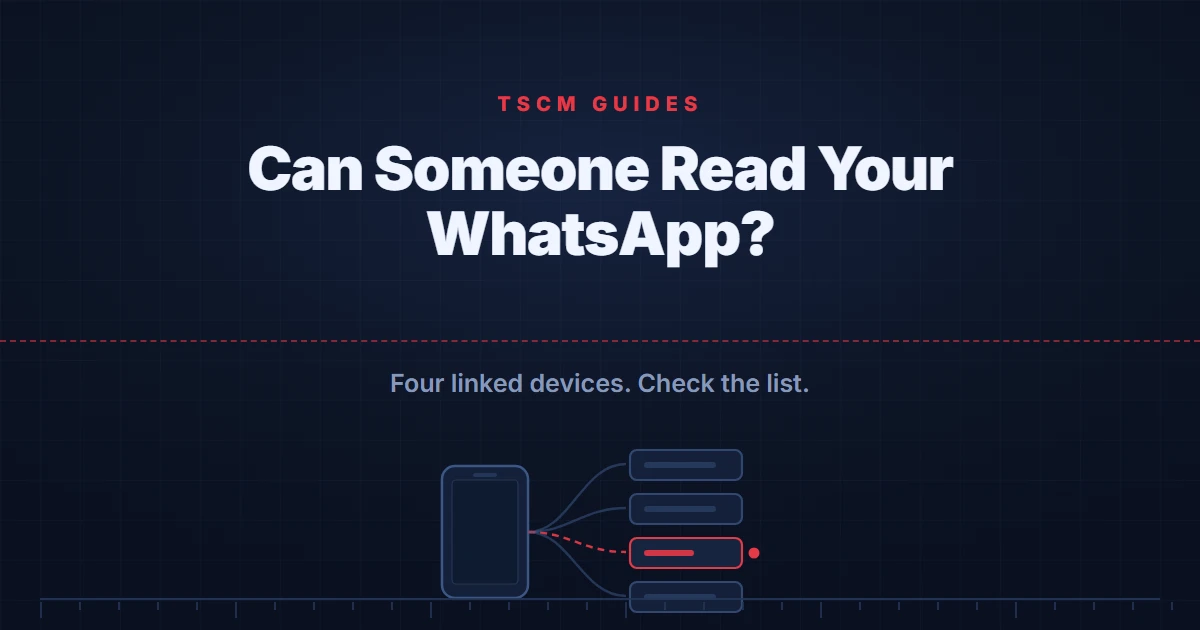
Short answer: Almost certainly through a linked device rather than anything remote. WhatsApp allows up to four companion devices, linking requires somebody to scan a code on your own open phone, and the Linked Devices screen lists every one of them. Open it, and log out anything you do not recognise.
This worry usually arrives with a specific suspicion attached: a particular person seems to know what was said in a conversation they were not part of. The useful thing about that version of the question is that it has a short list of possible answers, and one of them accounts for most real cases.
It is worth clearing away the answer people reach for first. WhatsApp message content is end-to-end encrypted, which means it is not readable in transit between devices. That is a real protection and it is also not the protection most people are actually asking about, because the common failure is not somebody intercepting your messages on the way. It is somebody who has access to one end of the conversation.
An endpoint means your own phone in somebody else’s hands, or a device that your account has been linked to. That second one is the mechanism worth understanding, because it is designed to be invisible in normal use.
How linked devices actually work
WhatsApp supports companion devices: a computer, a tablet, a second phone, which receive and send your messages alongside your main handset. WhatsApp's own guidance says your primary phone can link up to four of them.
Linking is deliberately physical. A code is displayed on the device that wants to join, and it has to be scanned using your own phone, already open, from inside WhatsApp. There is no way to do it from a distance and no way to do it without the handset.
So the scenario that matters is narrow and concrete: somebody had your phone in their hands, already open, for about a minute. That is the whole attack. It is also why the defences are the ordinary ones, a lock screen nobody else can open and knowing who has had the device, rather than anything exotic.
The 14 day rule that works in your favour
There is a limit built into the feature that very few people know about, and it is genuinely useful here.
WhatsApp requires you to log in on your primary phone at least every 14 days in order to keep linked devices connected. A companion device is not a permanent grant. It depends on your main handset continuing to check in, and it falls away if that stops.
The practical consequence is that a covert linked device has an expiry date attached to it from the moment it is created. It also means that if you are looking back at something that happened months ago, a device linked then may well have dropped off on its own, which is worth knowing before you conclude anything from an empty list today.
The screen to open
Everything above resolves into one check, and it takes less time than reading about it.
- Open WhatsApp, go to Settings, then Linked Devices. The screen lists every companion device currently linked to your account, with when each was last active.
- Read the list rather than skimming it. A device you set up yourself and forgot about looks identical to one you did not, so account for each entry positively rather than looking for something alarming.
- Log out anything you cannot account for. It takes effect immediately, and a device that is logged out stops receiving your messages.
- Check the list again in a week. If an entry you removed has returned, that tells you something a single check cannot: somebody still has access to the handset.
That fourth step is the one most advice omits, and it is the one that converts a suspicion into evidence.
The other copy of your messages
There is a second place your conversations exist, and it is governed by a different account entirely.
A WhatsApp backup lives in a cloud account rather than on the handset. Whoever can reach that account is a separate question from whoever can reach WhatsApp, and in practice people who worry carefully about one often never think about the other. If you are making a list of who can reach your messages, the account holding the backup belongs on it, and our guide to checking who has access to your Google account works through how to audit one of them properly.
If the suspicion is about a specific person
When the worry is a partner, a family member or an ex rather than a stranger, the order in which you act matters more than what you find, and the usual instinct is the wrong one.
Removing a linked device is visible to whoever placed it, because their access stops. If that person is someone whose reaction you have reason to be careful about, think about sequence before acting, and get advice from a device and a network they have never had access to. Our guide to phone monitoring and stalkerware sets out why deleting things first is usually the wrong move, including what it destroys.
The broader pattern is also worth checking. Somebody who could link a device had your phone open in their hands, and that same access reaches your accounts, your messages and anything else on it. One application is rarely the whole picture.
What an examination can and cannot establish
A physical examination reports what was found in the areas accessed, by the methods used, under the conditions present, at the time of the visit. It can report what was physically found and what was transmitting in the bands examined while the examiner was present. It cannot establish that a device recording to internal memory is absent, because such a device emits nothing.
Applied here the division is clean, and worth stating because it saves people money. A sweep of a room cannot tell you anything about an application on your phone. This question is answered on the handset, in a settings screen you can open yourself in under a minute, and if it goes further than that it becomes device forensics rather than a sweep. Our national guide to bug sweeping sets out what an examination does cover.
Frequently asked questions
Can someone read my WhatsApp messages from another phone?
The realistic route is linked devices rather than interception. WhatsApp lets you link up to four companion devices to one account, and a linked device then receives your messages. Linking requires somebody to scan a QR code on your phone while it is open and in your hands, which is why the risk here is physical access to your handset rather than anything remote. The Linked Devices screen in WhatsApp lists what is currently linked, and anything there can be logged out.
How do I see which devices are logged into my WhatsApp?
Open WhatsApp, go to Settings and then Linked Devices. The screen lists every companion device currently linked to your account, along with when it was last active. Anything you do not recognise can be logged out from that same screen, which takes effect immediately. Checking this periodically is the single most useful habit for this particular worry.
Does a linked device stay connected forever?
No, and this is a useful property. WhatsApp requires you to log in on your primary phone at least every 14 days to keep linked devices connected. A companion device that somebody linked without your knowledge therefore has a built-in expiry, and it will drop off if your primary phone stops checking in. It also means a device linked a month ago and never used since may already be gone.
Can someone read my WhatsApp by scanning a QR code?
That is exactly how linking works, which is why the QR code screen deserves respect. The code has to be scanned by a device while your own phone is open and showing the linking screen, so the scenario is somebody with your handset in their hands for a minute, not somebody at a distance. The defence is the same as for most phone-based surveillance: a lock screen nobody else can open, and knowing who has had the device.
Is WhatsApp itself reading or handing over my messages?
Message content on WhatsApp is end-to-end encrypted, which is a different protection from the one most people are asking about. It means the content is not readable in transit. It does not protect against somebody who has access to one of the endpoints, which is to say your own phone in somebody else's hands, or a device you have linked. Almost every real case is about an endpoint rather than about the encryption.
What about my WhatsApp backup?
A backup is a separate copy living in a cloud account rather than on the phone, so whoever controls that cloud account is a separate consideration from whoever controls WhatsApp. If you are working through who can reach your messages, the account holding the backup belongs on the same list, and our guide to checking who has access to your Google account covers how to audit one of them.
Think the access is wider than one app?
If somebody has had your phone, the question is rarely limited to one application. A private consultation can help you work out what can realistically be established, and in what order. Please get in touch from a device the other person has never had access to.
Request a consultation on WhatsApp